The free toolbox I actually kept
Hello my dear ones.
It is early morning in Modesto and I am sitting at my desk with the second coffee already half gone, a pile of product shots waiting for me, and my cat sleeping exactly on the folder where I keep the client briefs. Some things never change. But this week something did change, and I want to tell you about it, because it saved me both money and a headache.
The little annoyances nobody warns you about
When people hear that I photograph products for online stores, they imagine a beautiful studio with perfect light. The truth includes a lot of boring work that has nothing to do with light. Files arrive with strange metadata. A client sends an image that was clearly generated by an AI tool and asks me to “fix it up”. I need square versions of my photos for Pinterest and for the social tiles of the shops I work with. And every small tool that promises to solve one of those problems wants a subscription.
I wrote here in August about film versus digital, and how I still love the texture of grain. I also wrote, a bit earlier, about the AI tsunami and how it is reshaping our industry. Both of those posts come back to the same question, which is what do I actually keep in my workflow. Not everything new is good. Not everything old is better. You keep the tools that respect your work.
This week I kept one, and it is free.
Genbox, and what it does
It is called Genbox and you can find it at genbox.eu. No account, no e-mail, no watermark, no “your first three exports are free”. You open the page and there is a wall of tiles, each one a small tool. Right now two of them matter to me.
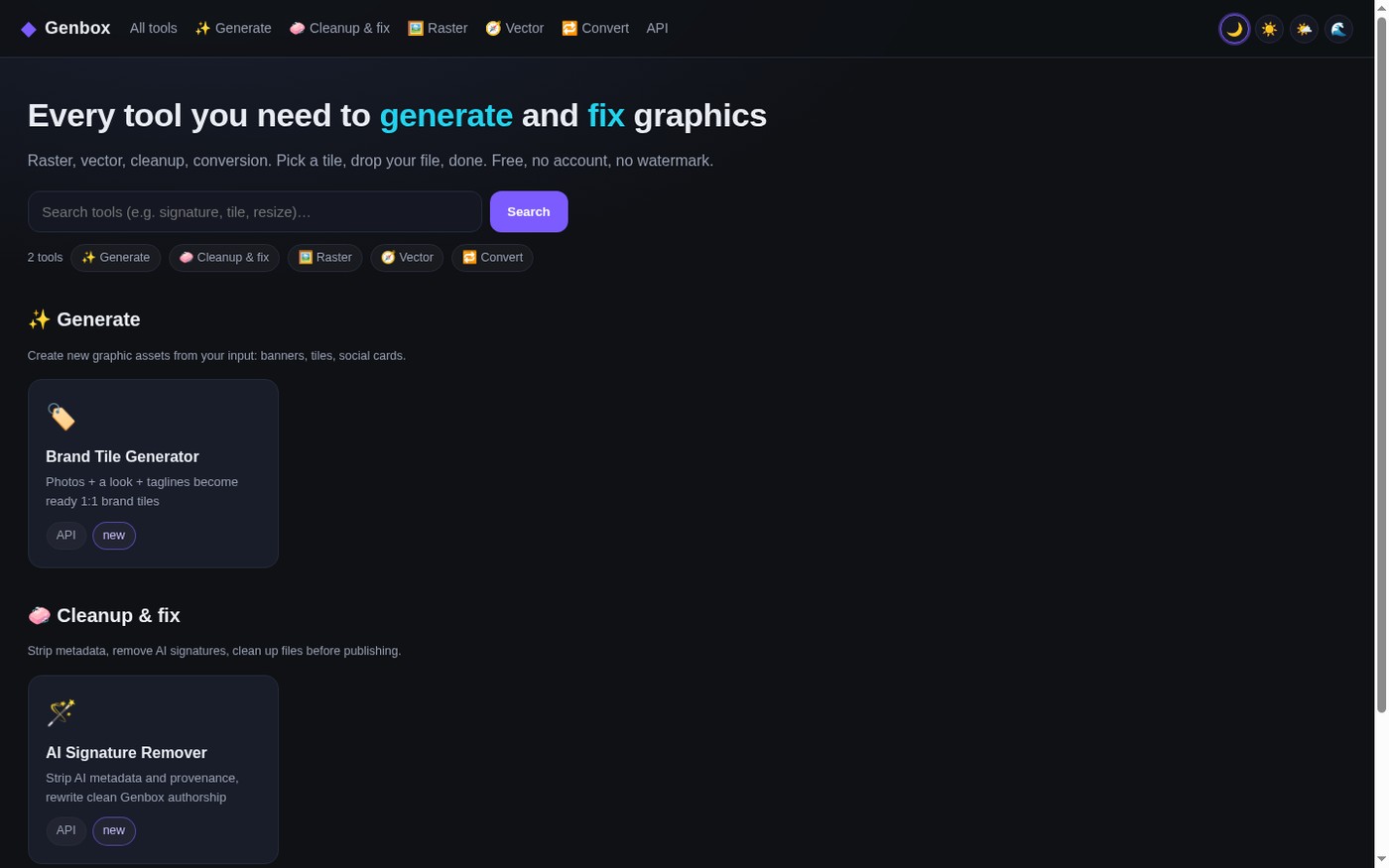
The first one is the AI Signature Remover. This is the tool I did not know I needed. It takes a photo and removes all the technical fingerprints that AI generators leave inside the file, the provenance manifests, the XMP blocks, the invisible “made by AI” tags in the metadata. Then it writes clean authorship into the file instead, so the image reads like it came from a normal editor and not from a machine. For me this matters because I deliver files to businesses. If a shop publishes an image, the last thing they want is a hidden label inside it telling the internet that a bot made it.
And here is the part I like as a photographer: it has a Realism section. I can add sensor noise, colour noise, grain with a size control, tiny dust spots, fine surface texture, a touch of lens colour fringing, and an honest JPEG history, the same double compression that every phone and camera file goes through. Grain is not a defect to me, it is what makes a photo feel alive.
The second one is the Brand Tile Generator, and this is the one I use weekly. I pick a background from their library, I type the name, the address of the shop, a category and three short lines, and it builds square tiles for me, 1080 pixels and 600 pixels, with a headline, a button and the address at the bottom.
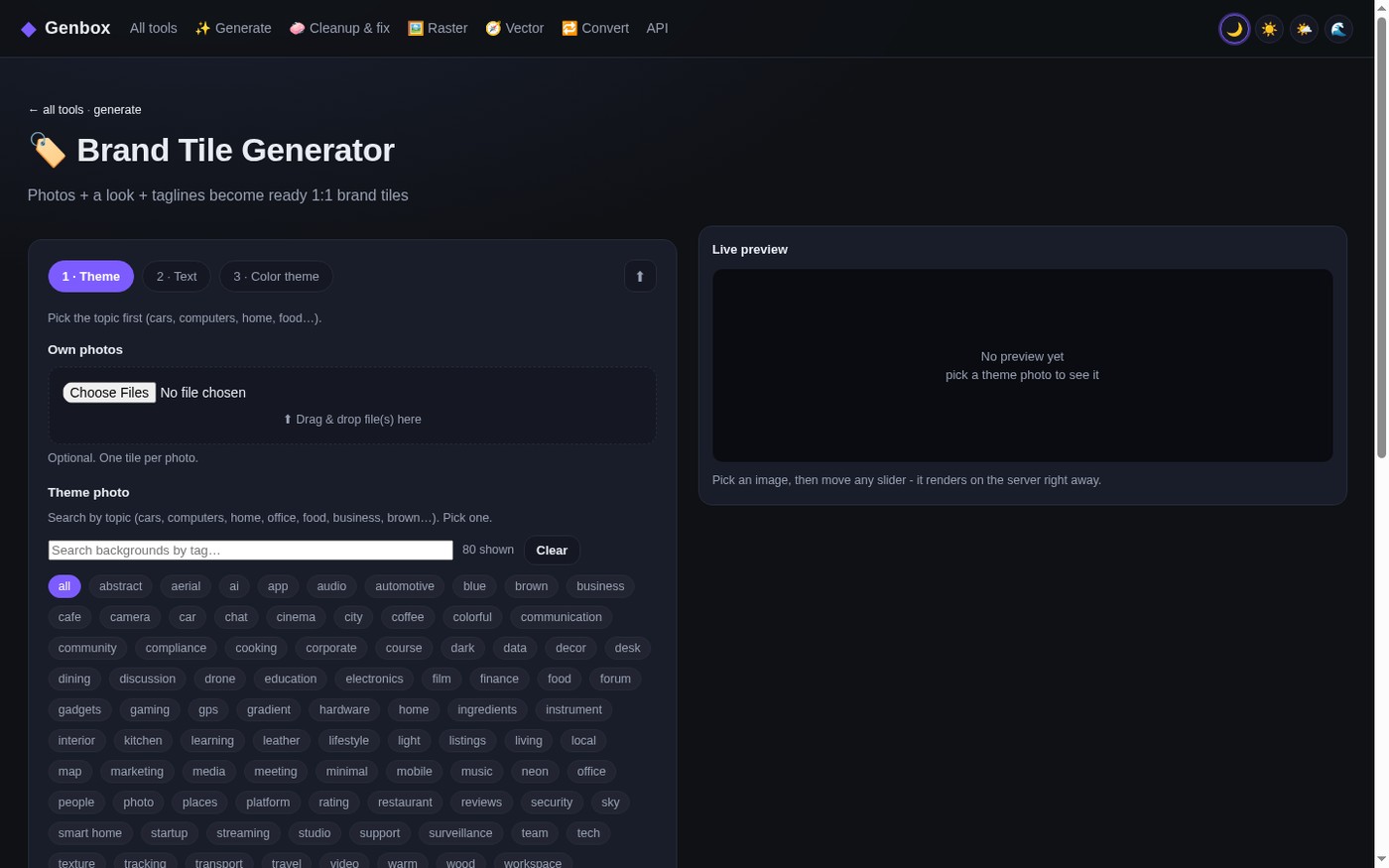
I have a Pinterest account, as some of you know, and square images are the natural food of that place. What used to be a twenty minute job in a heavy program is now two minutes and a coffee sip.
Why I trust it
I am a freelancer and I am careful about what I install. So let me be honest about what convinced me.
Everything happens in the browser and the files are not stored after processing. There is no database of my clients behind it. The tool leaves its own quiet credit in the metadata, in parentheses, the way a lab would stamp the back of a print, which I find fair and honest: it says the image was handled with these tools, not that it was created by a machine. And when it cleans a file, it does not pretend the photo was never edited. It just removes the noise that does not belong to the photographer.
It also has a little playground, which frankly is too much fun for a working morning. There are sliders for colour grading, saturation, brightness, contrast, temperature and hue, then deformation and swirl, then the whole realism set. My favourite trick is a small barrel distortion plus a touch of grain and a vignette. It turns a very clean catalogue shot into something that looks like it was taken by a human being with a real lens, on a real afternoon.
For my technical friends, and I know a few of you read this blog, there is an API as well. Every tool can be called from a script, and every generation gives you back a small configuration file that is literally the request you would send to reproduce the same result. You can save it, come back in a month, and get exactly the same tile again. I do not write code, but I asked, and the answer is yes.
A small confession
I live alone, I work alone, and most days I am my own art department, my own accountant, and my own assistant. That is the freedom I chose and I do not complain about it. But it means every subscription I pay for comes out of the same pocket, and every hour I save goes back into the photographs themselves.
Genbox is free and it removed two small recurring costs from my month. That is why I decided to write about it at all. I am not being paid, nobody asked me to praise anything. I simply think that when a free tool is good and honest, it deserves to be shared, the same way I share tips about light and cats.
If you photograph products, if you run a small shop, or if you just like playing with your own photos on a Sunday, take a look. Start with the tile generator, it is the friendliest. Then open the realism sliders, and be careful, because an hour will disappear.
Take care of yourselves, kiss your cats, and I will see you in the next post.
Vicky
Vicky, grain isn’t a defect. Camera or phone JPEG pipeline?
Grain isn’t defect or sacred. Pipeline isn’t taste. Holik Studios.